One-tap emergency
Press the red button. SMS goes out to every saved contact with a live Google Maps link. Video recording starts automatically.
Safety Alert sends your live location and a 2-minute video to the people you trust — with one button, on standard SMS, with nothing leaving your phone unless you ask it to.
$9.99 per year. One fee, paid annually. No hidden charges, no in-app purchases.
Personal safety isn't about reacting in the moment — it's about being ready for it. Spend three minutes now so you don't have to think later.
Identify three to five people who'd respond if you needed help. Family, friends, neighbours — anyone close to where you usually are.
Who to chooseInstall Safety Alert, add your contacts, allow the permissions. $9.99 per year — no account to create, no in-app purchases. The whole setup takes under three minutes.
How it worksLet your contacts know they're on your list, what an alert from you will look like, and how to respond. A two-minute conversation now saves precious time later.
What to sayEvery screen is one tap from action. No menus to navigate. No setup mid-emergency. The app is intentionally boring — until it isn't.
Press the red button. SMS goes out to every saved contact with a live Google Maps link. Video recording starts automatically.
Your contacts watch your position update in real time on a map — every 3 seconds, or every 5 metres of movement.
Up to two minutes of video and audio is recorded the moment you trigger an alert. Saved to your photo library and sent to your contacts.
Just want someone to know where you are? A second button shares location only — no recording, no alarm, no audio.
Add as many people as you want. Stored locally on your device. Edit, reorder, or remove them at any time.
Alerts go out as ordinary text messages. As long as you have one bar — even with no Wi-Fi or data — your contacts get the message.
Two big buttons. One big map. No settings to find, no menus to navigate.
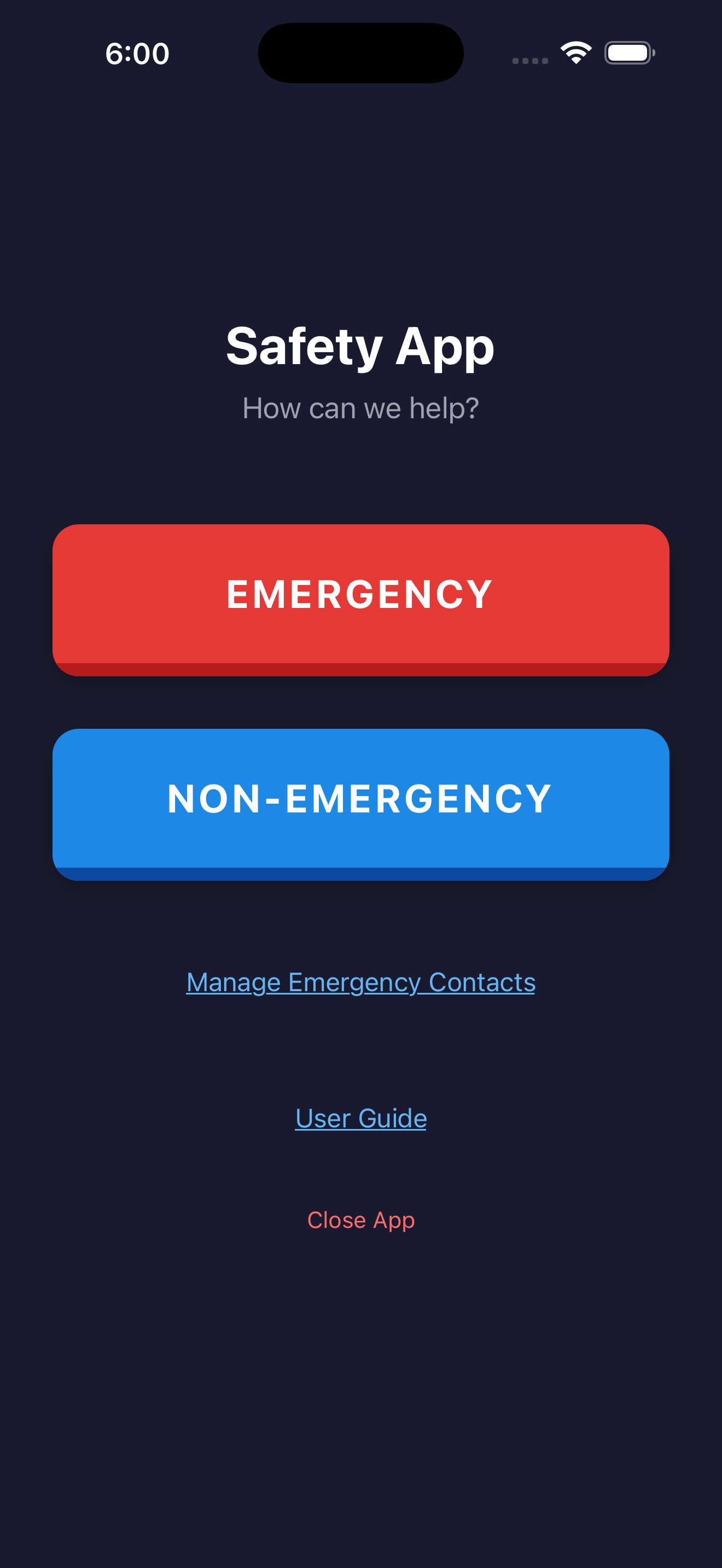
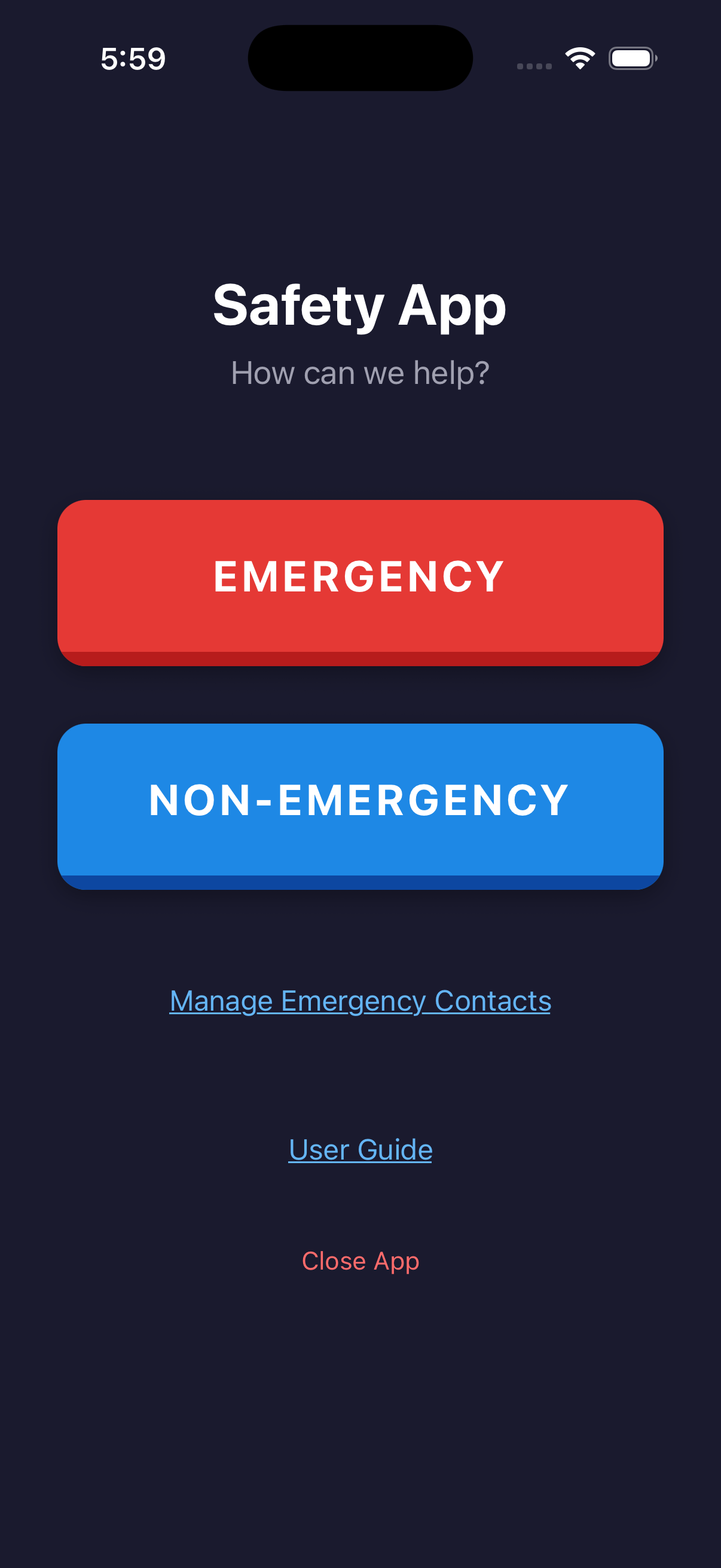
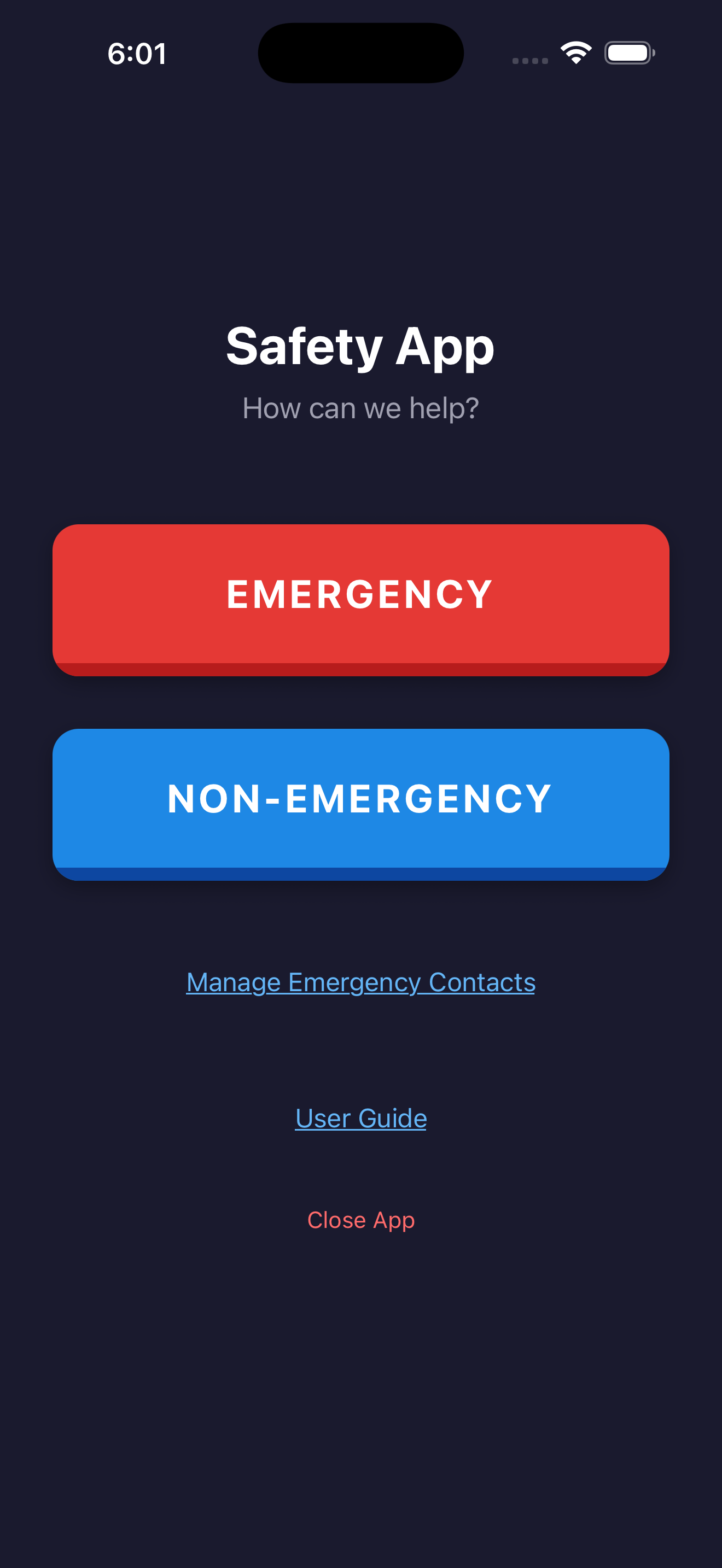
Most safety apps require an account, a backend, and a privacy policy you have to take on faith. Safety Alert needs none of those things. Below is exactly what happens when you press the button — and what doesn't.
No third party sits between you and them. No middleman server. No analytics pipeline. No vendor of record other than your phone carrier — the same one that delivers every text message you send.
Safety Alert exists for one reason: to shorten the moment between feeling unsafe and reaching the people who can help. Most safety apps make you sign up, hand over your data, or trust a server you've never heard of. This one doesn't. One button. Your contacts. A real text message. Built for anyone in the family, and refined a little more every day.
$9.99 per year. One fee, paid annually at purchase — no in-app purchases, no premium tier, no upsells. The price keeps the app maintained and supported without ads or selling your data.
For the alert itself, yes — alerts go out as standard SMS, which only requires cell signal. Live location updates and map links open in a browser, so the recipient will need data on their end to follow them in real time.
The emergency button does require an intentional press, but mistakes happen. If you trigger it by accident, send a quick follow-up text to your contacts. There is no platform side that needs anything undone — there is no platform side.
To your iPhone's local Camera Roll. The app also offers to attach the recording to the SMS thread so contacts have a copy.
Yes — set it up on their phone, add yourself as a contact, and show them the red button. The app is built to be usable by anyone who can unlock a phone.
An Android version is in progress. The iPhone version is launching first; sign up below and we'll email you when each platform is live.
No, and it's not designed to. Safety Alert reaches the people you have already chosen to trust. In a life-threatening situation, always call your local emergency number first.
Send us a note and we will email you the moment it is live on the App Store. Nothing else — no list, no marketing, no follow-ups.
Email to Get NotifiedWe use the email once, then forget it.